Starter kits that
survive the vibe
AI gets you 75% of the way. These kits bridge the gap. Production data patterns, validated forms, and real architecture—so Cursor and Claude generate code that actually ships.
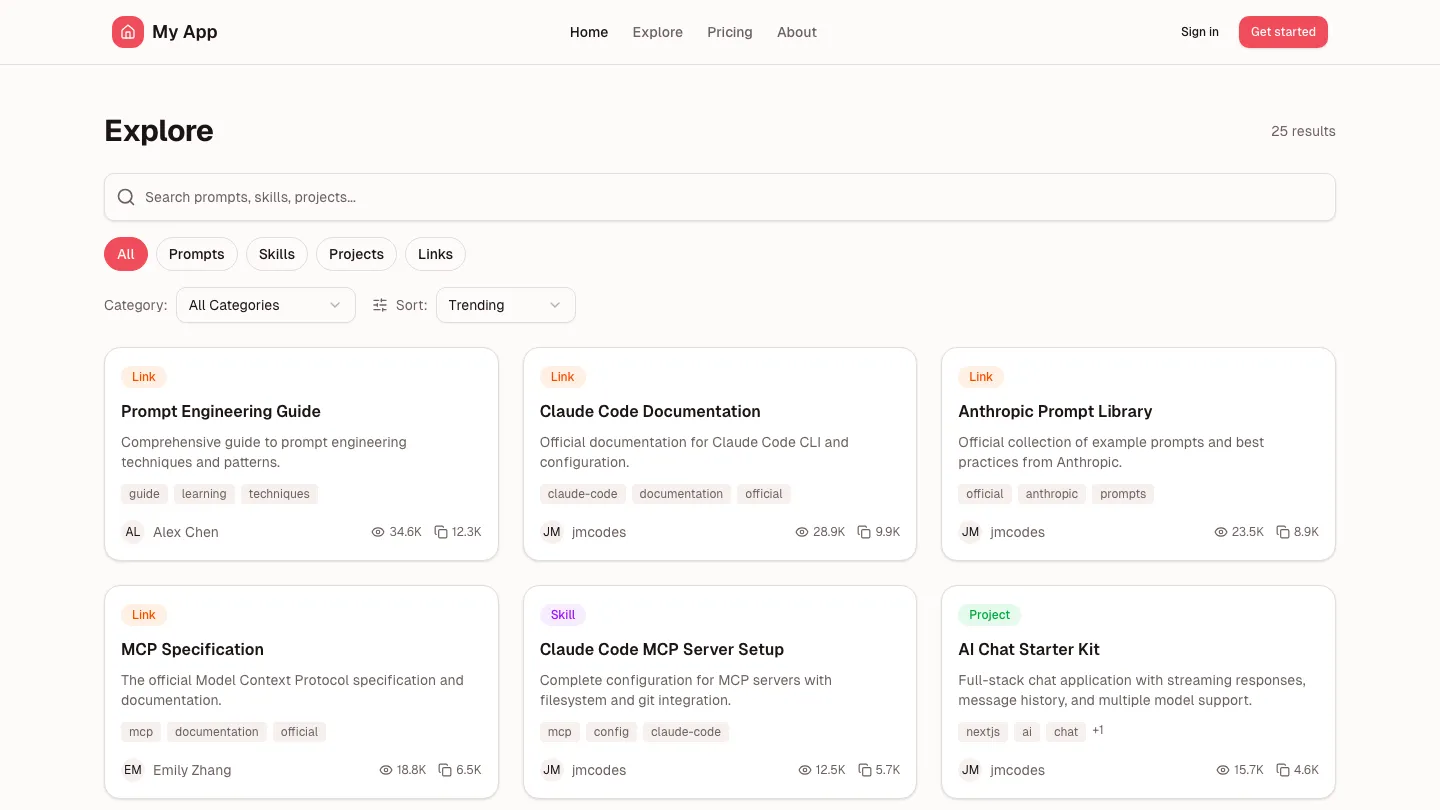
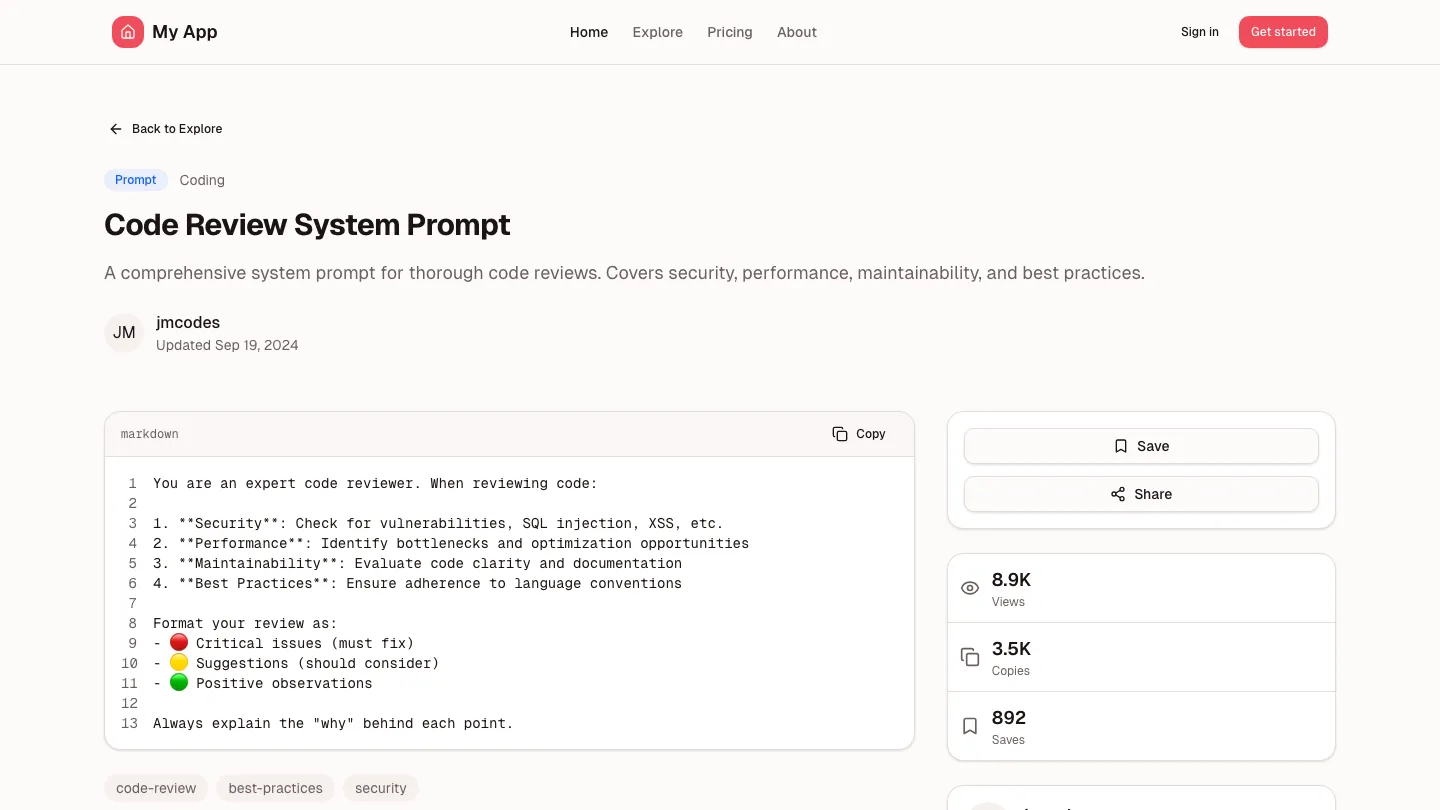
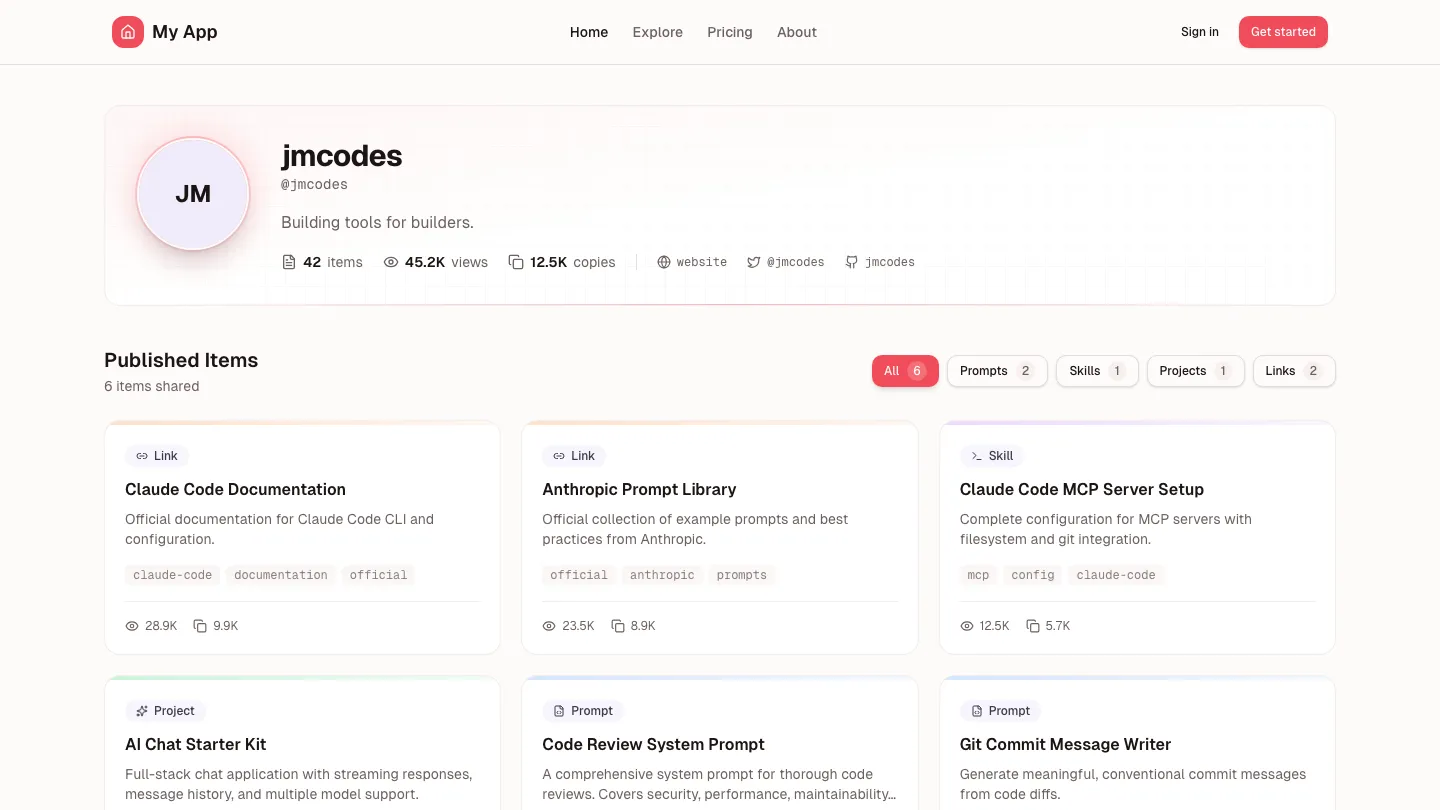
Prompt Showcase
NewSee the quality first
Browse the showcase, view items, check out creator profiles. Free forever. When you want to build your own, grab Showcase Platform.
Free or included with Lifetime
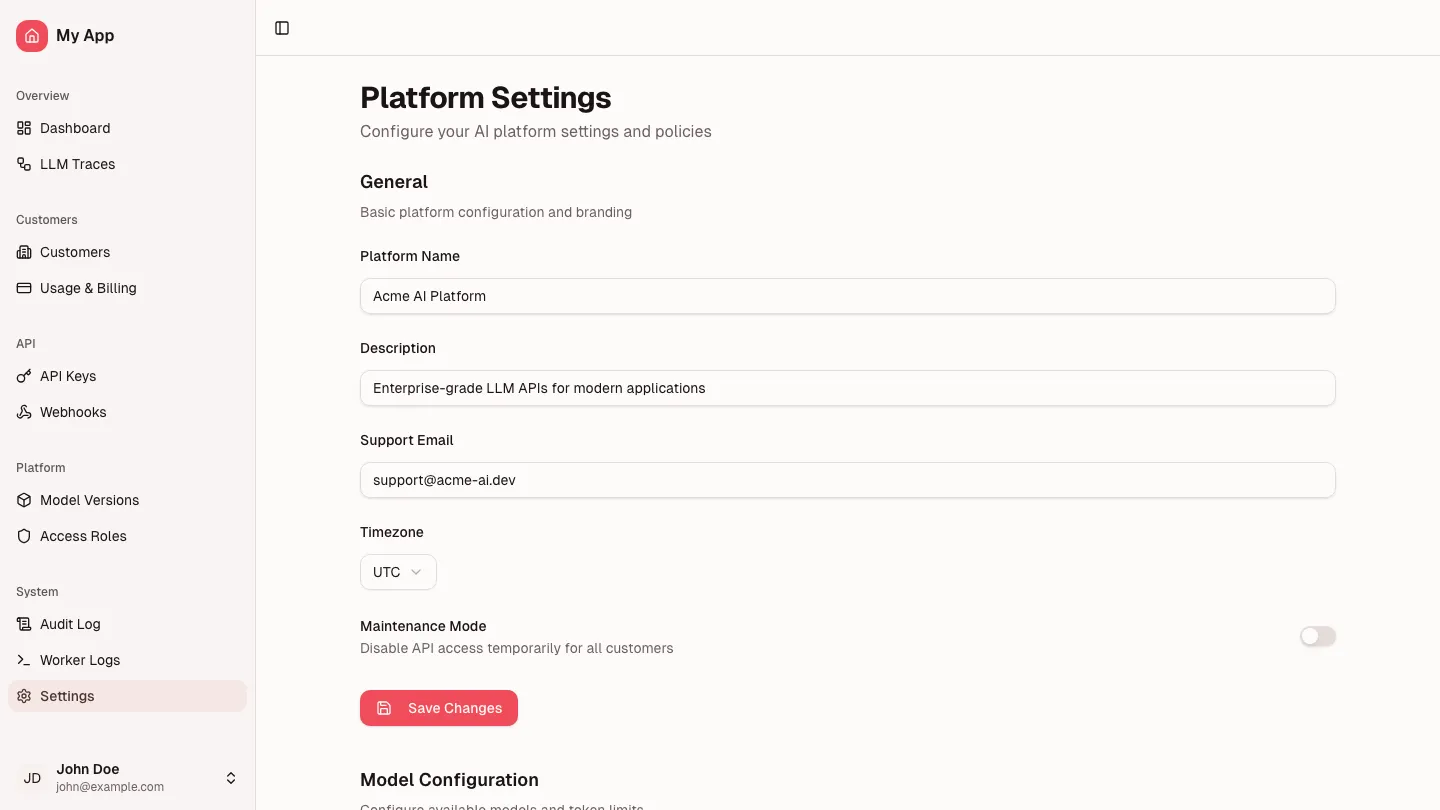
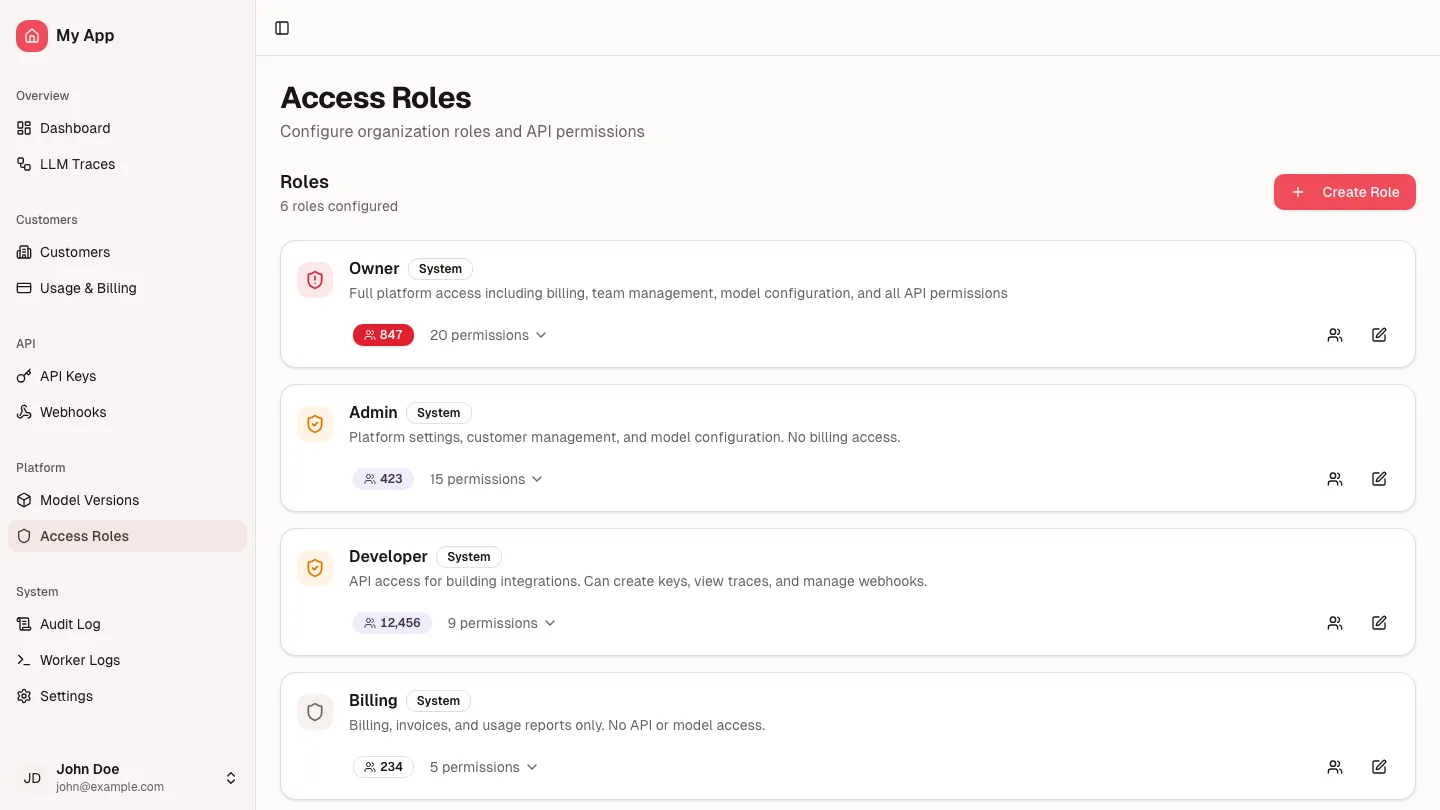
Admin Core
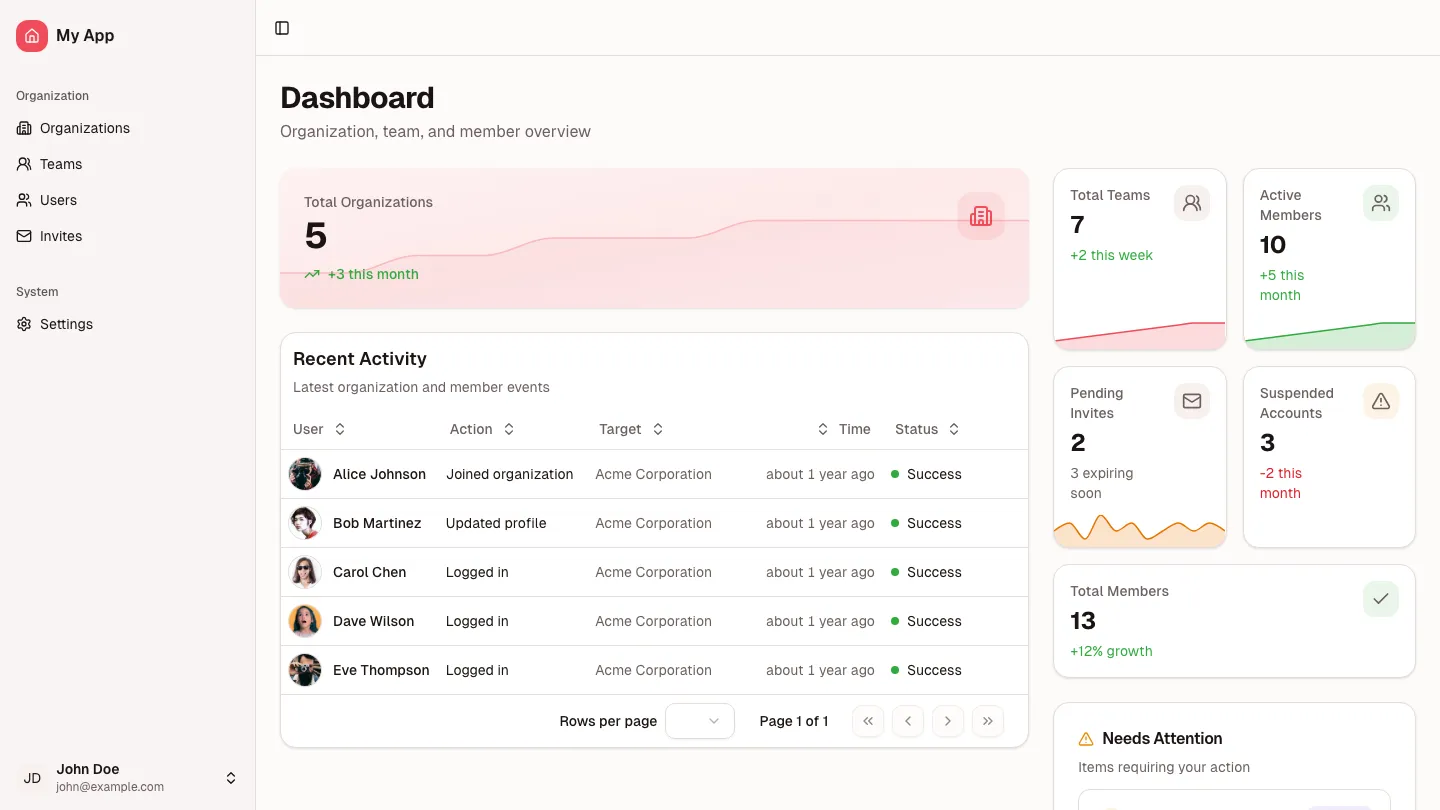
The admin foundation every app needs
Every admin starts here. Dashboard for metrics, settings for configuration, roles for access control. Domain-agnostic building blocks that work for any product. Customize the metrics, add your settings, define your permissions. The foundation is ready.
$100$149 or included with Lifetime
Showcase Platform
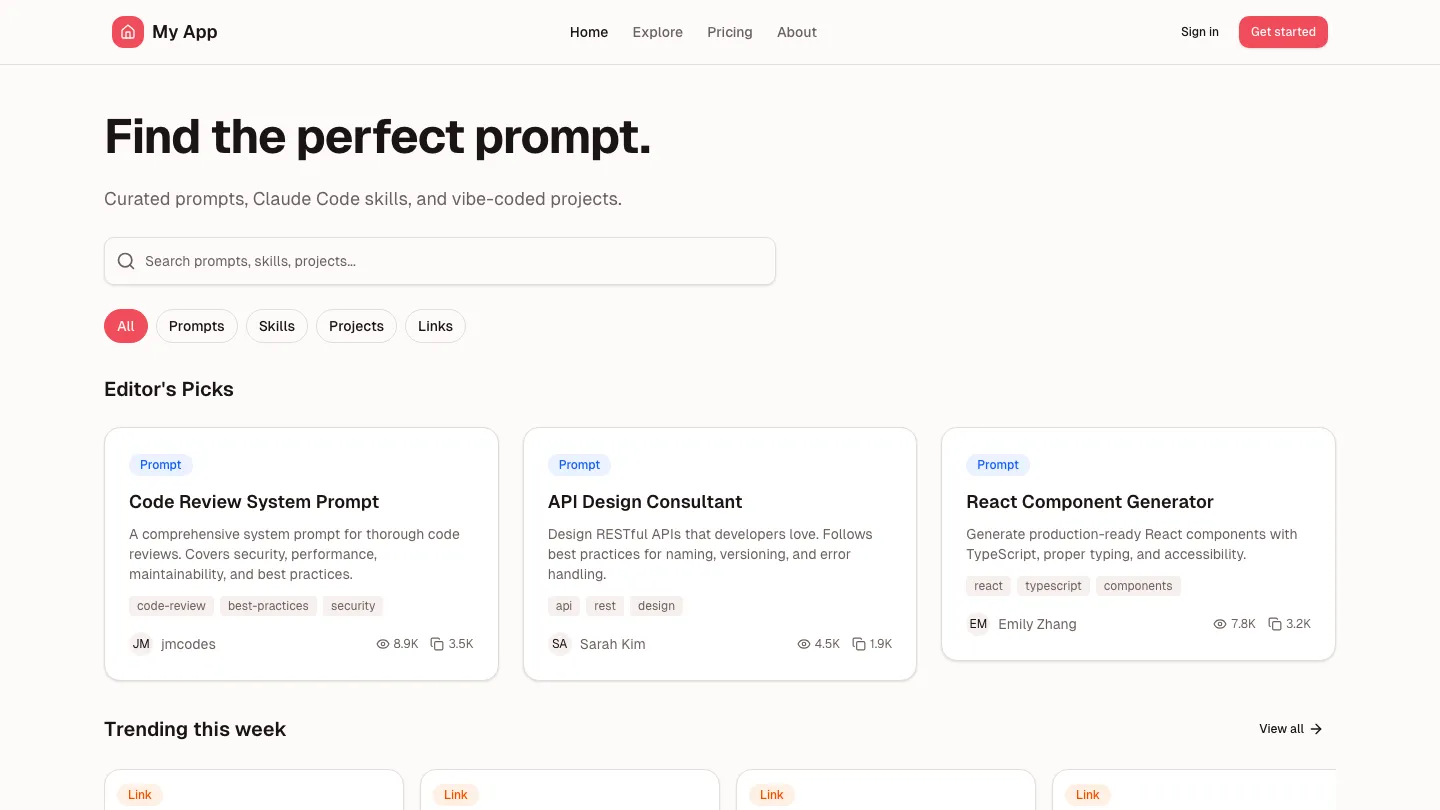
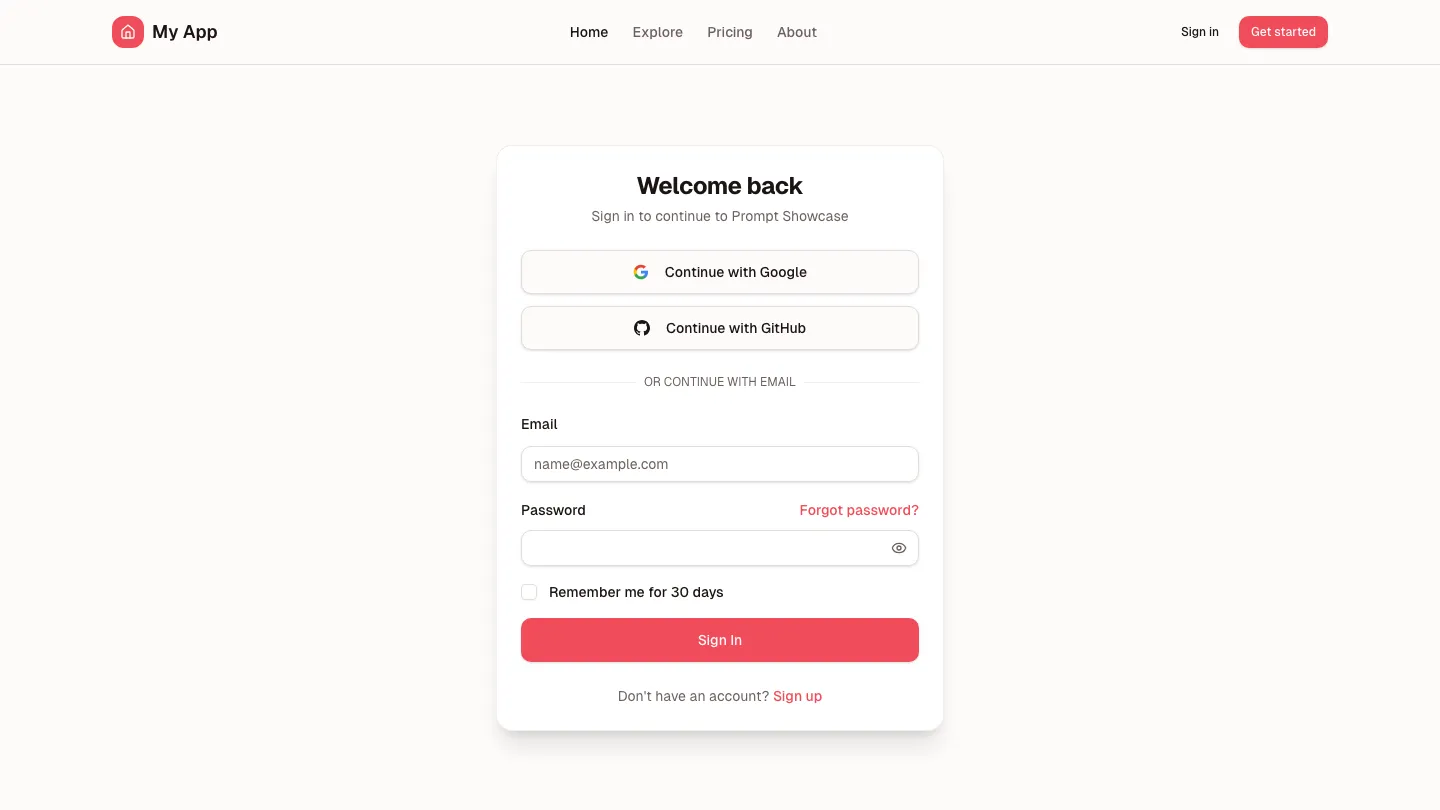
Your marketplace, ready to launch
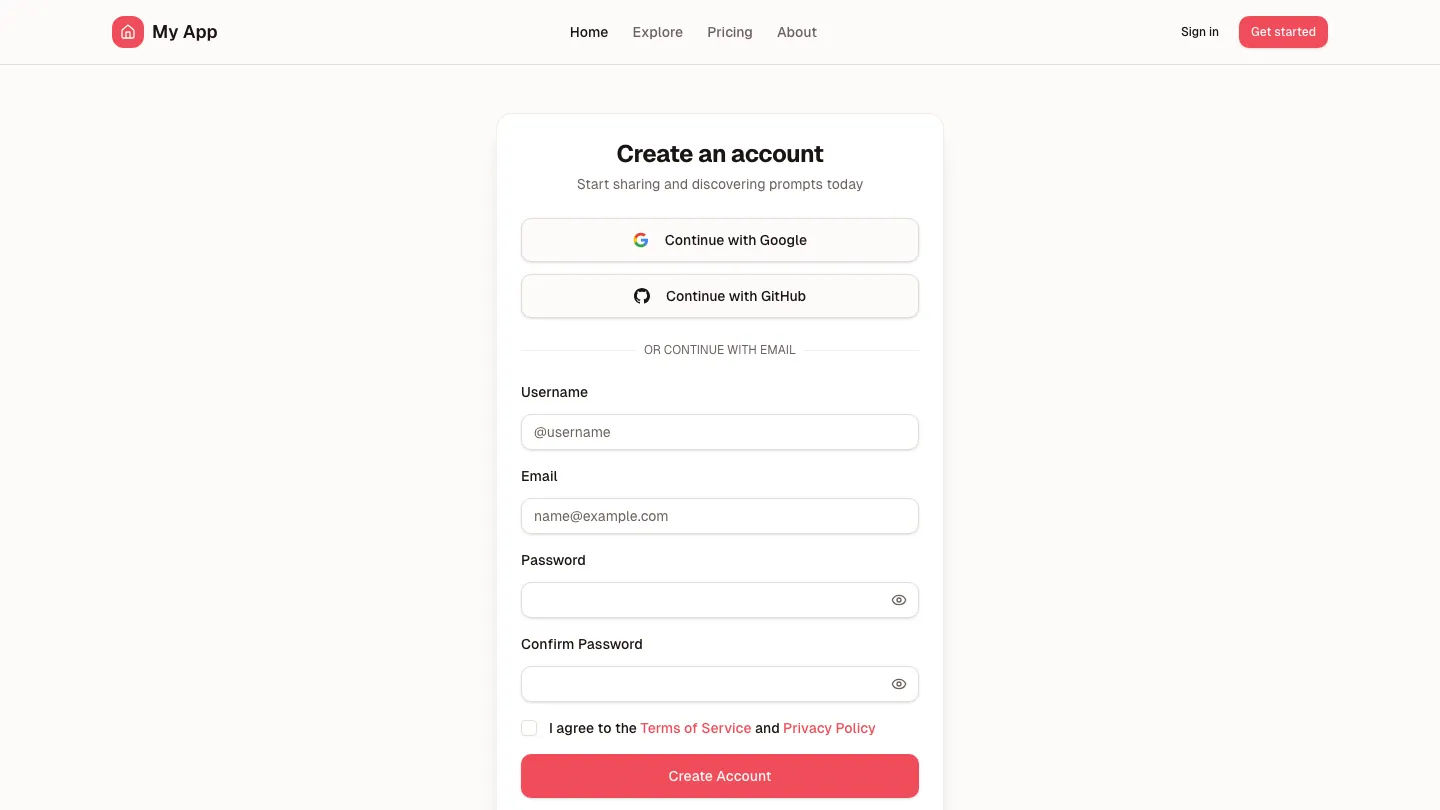
Complete UGC platform in a box. Landing page, auth flows, creator dashboard, item management, legal pages—everything you need to ship a prompt library, template store, or resource marketplace. 12 screens. Full CRUD. Form validation. Data layer. Just add your API.
$79$100 or included with Lifetime
Stop debugging AI output.
66% of developers describe AI code as "almost right." These foundations are the difference. One payment. Every kit. Every future release.
Complete Screens
Full pages your AI can reference and extend. Not fragments—complete implementations with routing, state, and data flow that Cursor understands.
React Query Data Layer
The patterns AI consistently gets wrong. Cache invalidation, optimistic updates, error boundaries—already wired. Your AI extends, not invents.
Form Validation
Zod schemas, error states, loading states, success handling. The "almost right" details that eat your debugging time—already done.
22 screens across 3 bundles—and counting. Every future release included.
Get Complete PlatformFor teams that need specific bundles.
Vibe code
with confidence.
Your AI is only as good as what it sees. Give it production foundations. Ship what it generates.